WINDOWS UTILITIES TOOLKIT
A downloadable tool for Windows
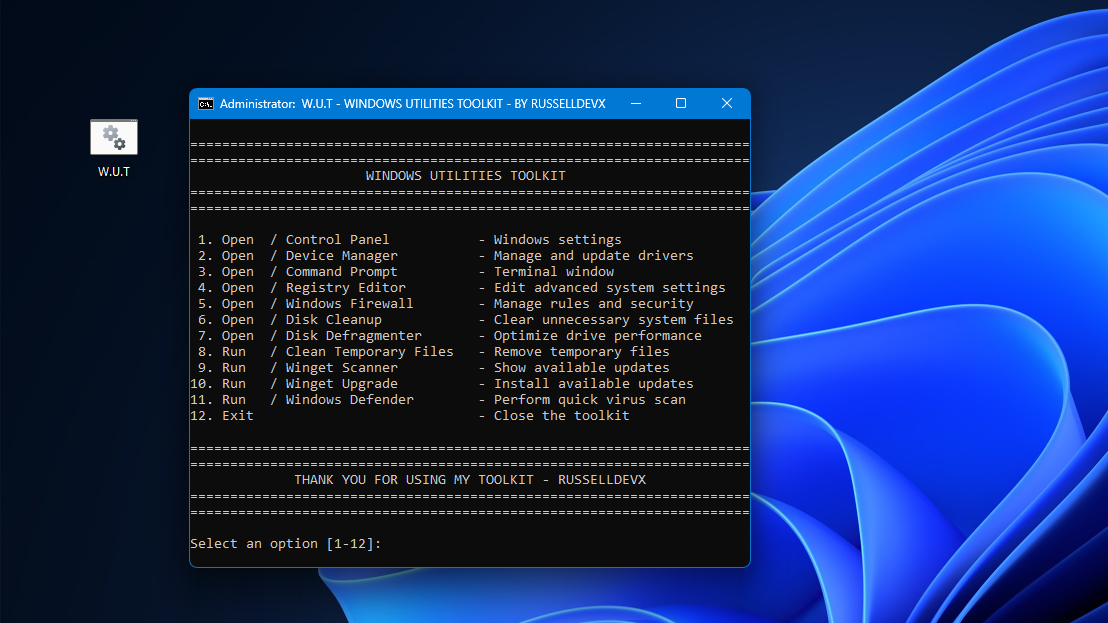
W.U.T. (Windows Utilities Toolkit) is a lightweight Windows batch utility designed to provide quick and convenient access to commonly used system tools, maintenance functions, and troubleshooting utilities from a single, easy-to-use menu.
W.U.T. provides shortcuts to a range of built-in Windows utilities, including:
- Control Panel
- Device Manager
- Command Prompt
- Registry Editor
- Windows Firewall
- Disk Cleanup
- Disk Defragmenter
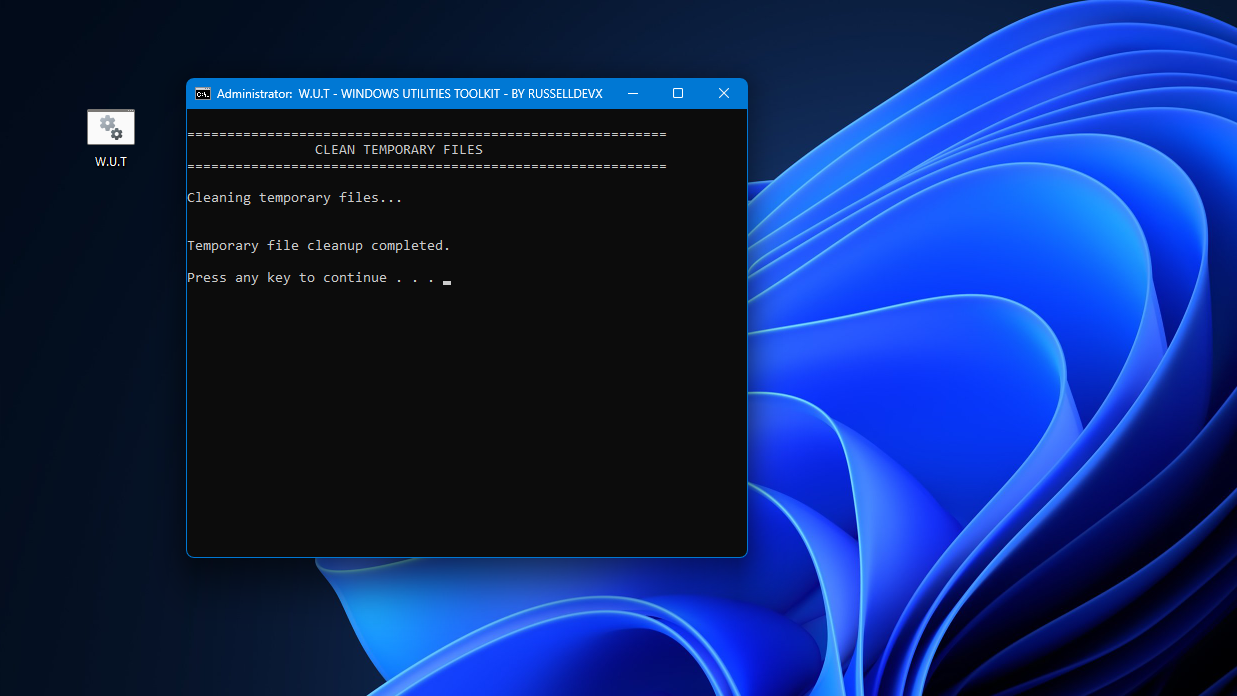
- Temporary file cleanup
- Winget update checks
- Application upgrades
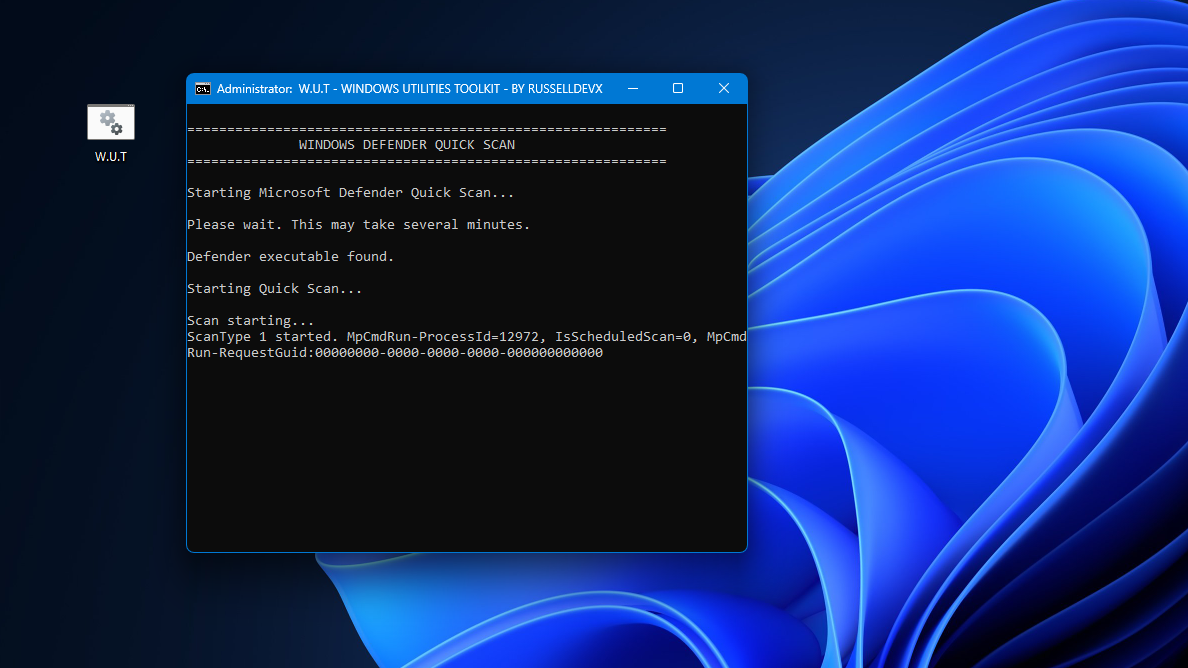
- Microsoft Defender Quick Scan
W.U.T. runs with administrator privileges where required and provides a straightforward command-line interface for performing common Windows maintenance and troubleshooting tasks.
Compatibility:
W.U.T. is designed for supported versions of Windows 10 and Windows 11.
Built with Windows system tools:
W.U.T. does not include third-party system-cleaning engines or modified Windows components. It provides a convenient interface for accessing and running built-in Windows utilities and commands.
Safety note: W.U.T. is designed to use Windows' own built-in tools and commands. However, no software should be described as 100% safe under every possible configuration. Some operations, such as Registry Editor or disk-management utilities, can affect system settings when used incorrectly.
Download
Install instructions
How to Use W.U.T.
- Run the
.batfile — W.U.T. will automatically request administrator privileges. - Choose an option by entering a number from 1–12.
- The selected Windows tool or maintenance function will run.
- When finished, press a key if prompted to return to the main menu.
- To close W.U.T., select Option 12 – Exit.
- Windows 10 and Windows 11 are supported.
Comments
Log in with itch.io to leave a comment.
If Windows displays a warning when you try to run the file, you can simply click Run.
Because this is a .BAT (batch) file, it isn’t digitally signed by Microsoft. Code signing is generally more common for compiled applications such as .EXE files.
The advantage of a batch file is its open and transparent nature: you can easily open it in a text editor, inspect the source code, and see exactly what commands it contains. There’s no hidden executable code or “boogeyman” lurking behind the scene - what you see is what the file runs.
W.U.T. (Windows Utilities Toolkit) is a lightweight batch utility I made to make my day-to-day PC troubleshooting and maintenance a little easier. It gives me quick access to useful Windows tools when working on client PCs, cleaning up messy systems, and performing administrative tasks.
This is Version 1.0, and I’d love to hear what you think! If you have ideas for useful tools or features I should add next, feel free to share them.
⚠️ Use Registry Editor and Windows Firewall carefully — only change settings if you know what you’re doing.
Enjoy! 🛠️